Utilities
DifficultyintermediateAdded2027.0Statusdraft
Import Parcels Command
Description:
Imports catchments from SSA or EPA SWMM to Civil 3D as parcels.
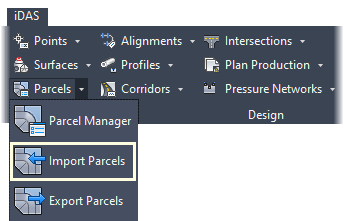
Location on Compact Ribbon:
Location on Extended Ribbon:
Instructions:
-
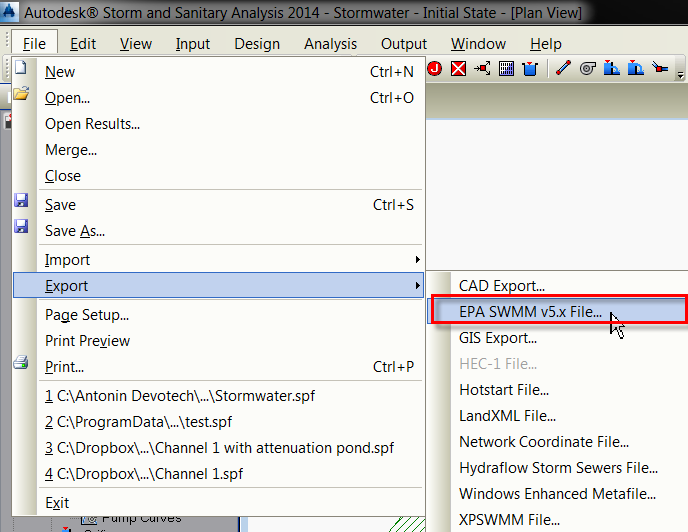
Open the project in SSA and export the project with the File – Export – EPA SWMM v5.x File command:
-
Run the command and browse for the .inp file created in the previous step:
Catchments imported as parcels from SSA:
