Roads
Command
Segment LabelsDifficultyintermediateAdded2027.0StatusdraftAlignment Tags Command
Adds labels (alignment and segment) to multiple alignments at once. A user can specify different labels for straight alignment, start tangent, end tangent, curves and name label. It is mostly used to add labels for setting out data tables as well as alignment name labels.
When to use this function
Use this function when you need to:
- [Scenario].
Before you begin
- [Prerequisite or preparation step].
Start the command
Enter Segment Labels at the Civil 3D command line.
Location on Compact Ribbon:
Location on Extended Ribbon:
Procedure
-
Run the command.
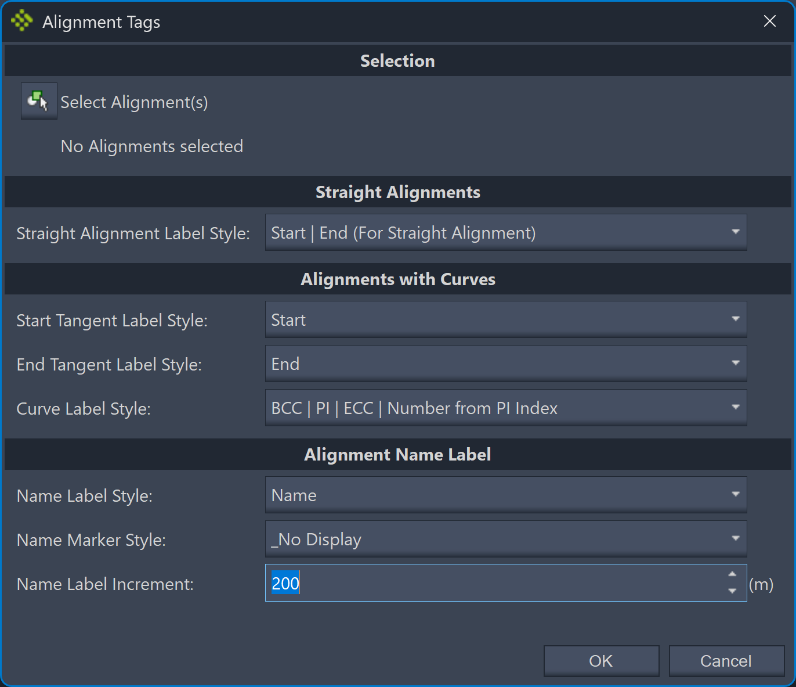
Result:
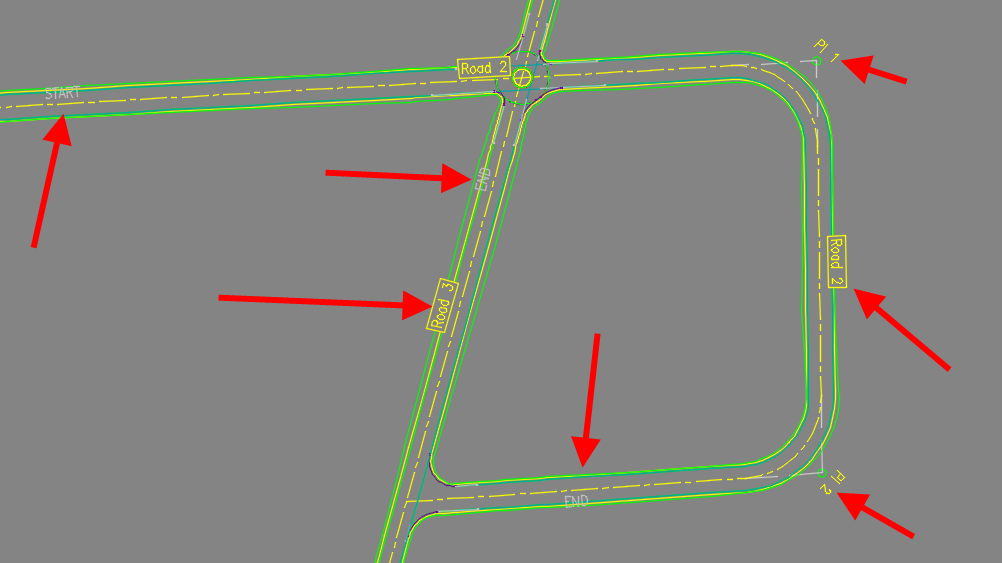
Expected result
[Describe the observable successful outcome.]
Troubleshooting
[Symptom]
[Actionable resolution.]
Related topics
- [Link to a directly relevant topic]