Roads
Command
Import Label Set CommandDifficultyintermediateAdded2027.0StatusdraftChange Labels Command
Description:
Imports alignment label set for multiple alignments at once. It is useful for projects where multiple alignments are created, like township development projects.
Location on Compact Ribbon:
Location on Extended Ribbon:
Instructions:
-
Click on the command in the ribbon.
-
Select the alignments which labels need to change.
-
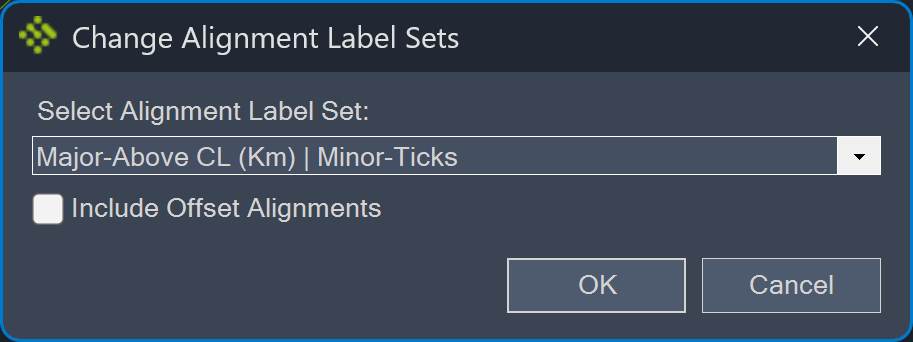
Specify the label set which should be applied: