Roads
Command
Reverse CommandDifficultyintermediateAdded2027.0StatusdraftReverse Alignments Command
Description:
Reverses multiple alignments at the same time. All profiles attached to the alignments can also be reversed.
Location on Compact Ribbon:
Location on Extended Ribbon:
Instructions:
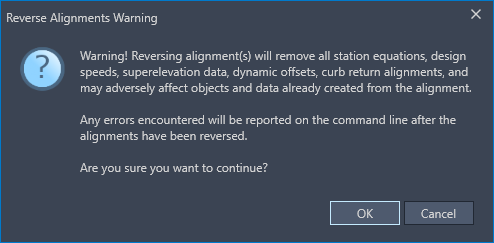
Note that reversing alignments in Civil 3D will remove any station equations, design speeds, superelevation data, dynamic offsets, curb return alignments and could adversely affect any other objects that reference the alignments.
-
Click on the command in the ribbon.
-
Select the alignments or associated profile views to reverse from model space.

-
A warning will display and if you still want to reverse the alignment then click Yes and the alignments will be reversed.