Roads
Command
Insert PVI CommandDifficultyadvancedAdded2027.0StatusdraftIntersection PVI Command
Description:
Where two corridors meet it creates a main road top surface profile in the side road profile view, adds a PVI to the side road vertical alignment at the location where the main road edge is, and moves this PVI and the start or end of the vertical alignment to the correct elevation.
Location on Compact Ribbon:
Location on Extended Ribbon:
Instructions:
-
Run the command.
-
Select the side road's horizontal alignment.
-
Select the main road's top surface.
-
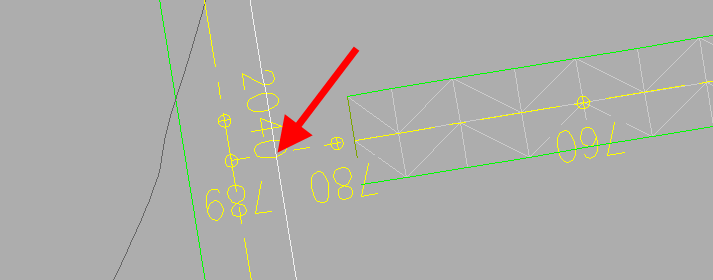
Select the main road edge at the point where it intersects the side road horizontal alignment.

Result − the side road profile view with the highlighted side road vertical alignment; the main road top surface is green: