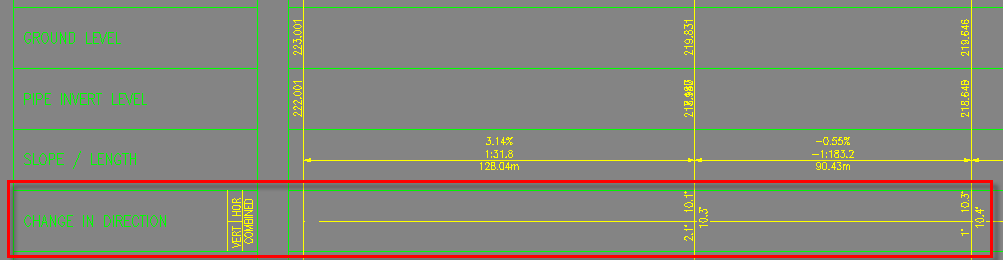
Update Bends Command
Description:
Updates the profile view bands with bend values and pipe 3D lengths.
Location on Compact Ribbon:
Location on Extended Ribbon:
Instructions:
-
Run the command.
-
In the command line, select the command you want to perform:

All: Updates bend values for all the networks in the drawing.
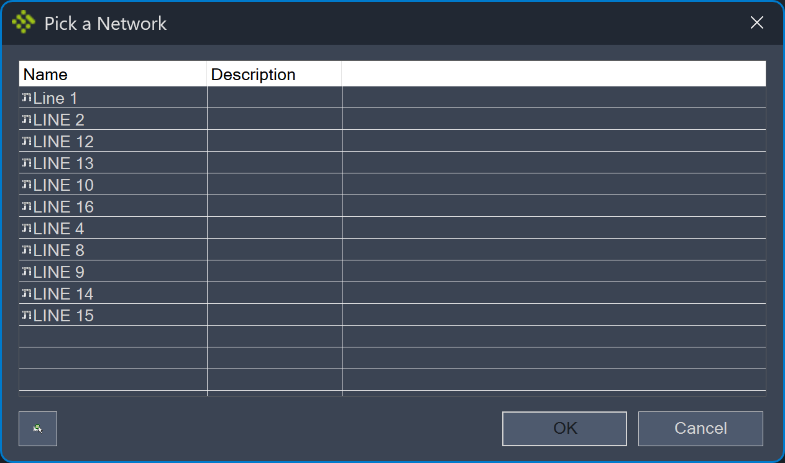
Network: Updates bend values for a selected network.
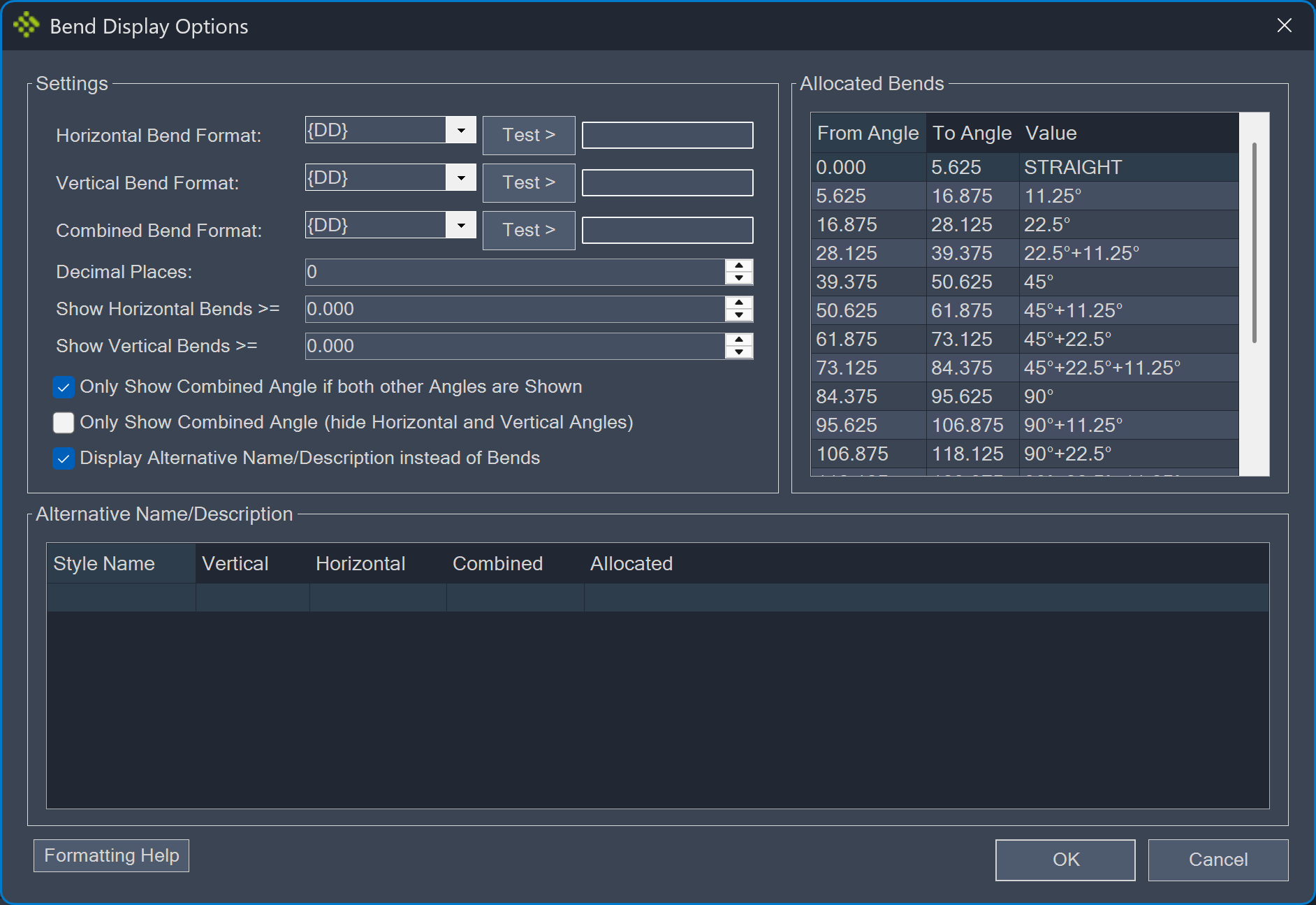
Settings: Allows setting the bend format and other display options.
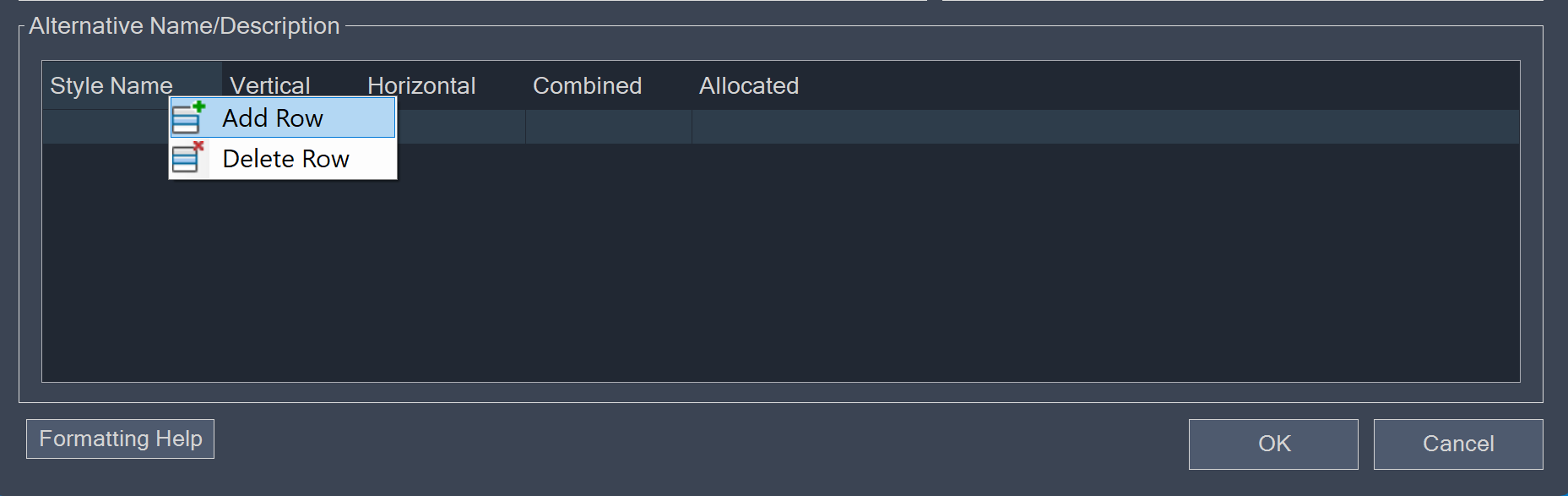
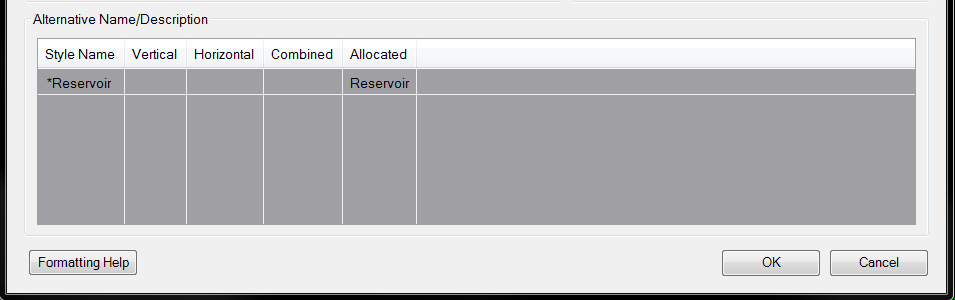
This window also allows users to set an Alternative Name/Description. For example, the allocated bend for any reservoir can be set to "Reservoir". To specify a new alternative name, right-click in the available area and use the Add Row command:
-
Specify the Style Name and the bend parameters:
-
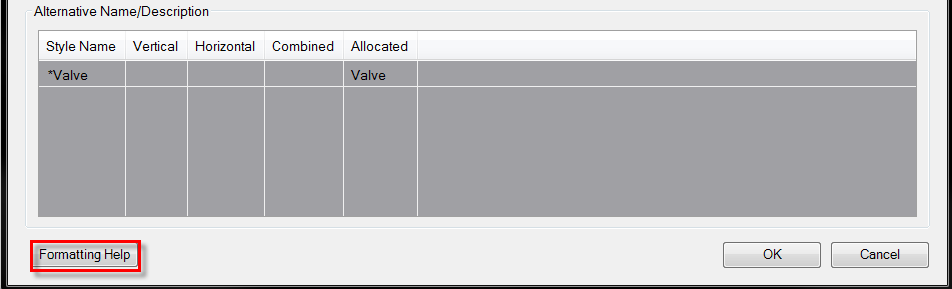
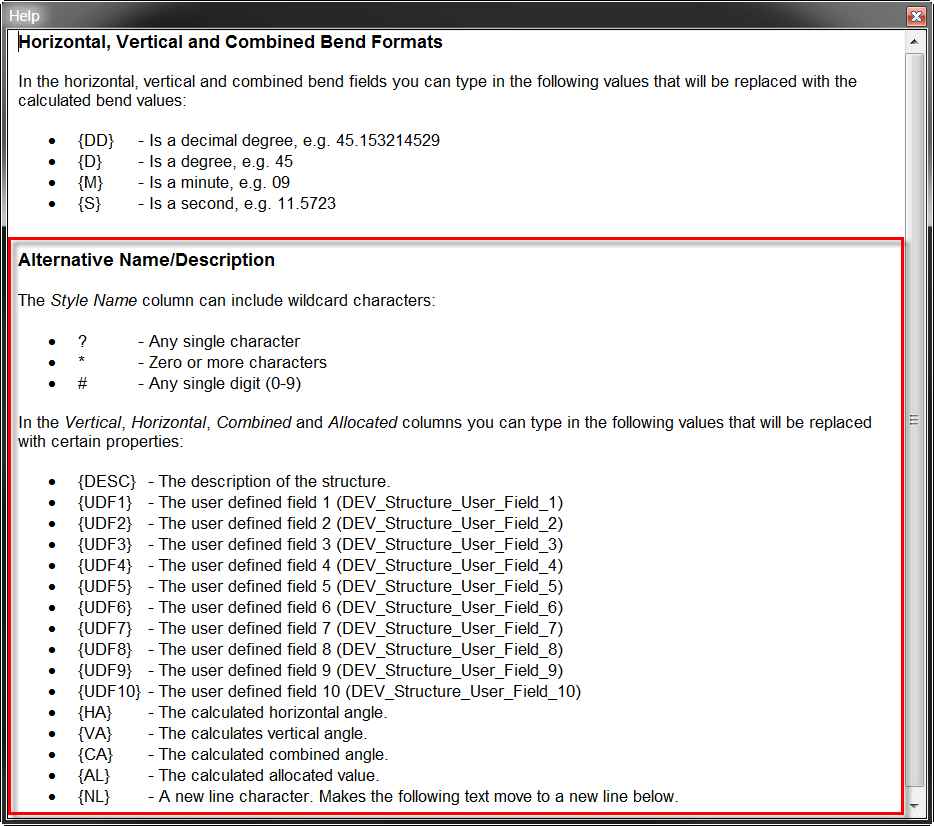
For more details regarding the formatting options, click on the Formatting Help command**:
**
Length3D: Calculates the pipe's 3D length. When prompted to select a profile view, select a design profile view (not a plan production profile view) because the 3D lengths are calculated for all the pipes displayed in the profile view.
Updated profile view bands: