StormwaterWastewaterWater
Command
Sewer CommandDifficultyintermediateAdded2027.0StatusdraftImport CD Sewer Command
Description:
Creates a sewer pipe network from a Civil Designer sewer network file (.txt file).
Location on Compact Ribbon:
Location on Extended Ribbon:
Instructions:
-
-
Run the command.
-
Specify the Civil Designer version:
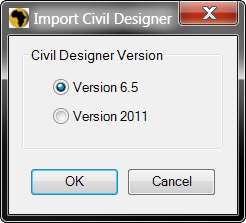
-
Browse to the Civil Designer sewer network file. The file format is .txt:
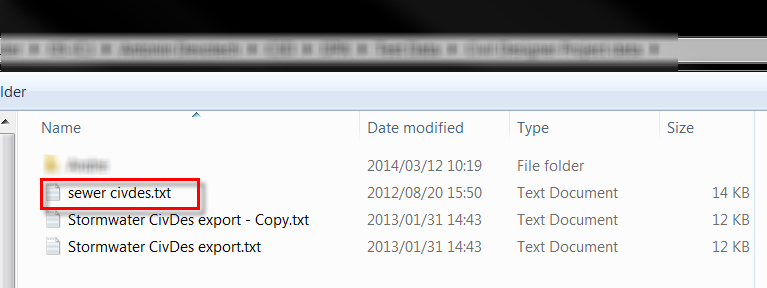
-
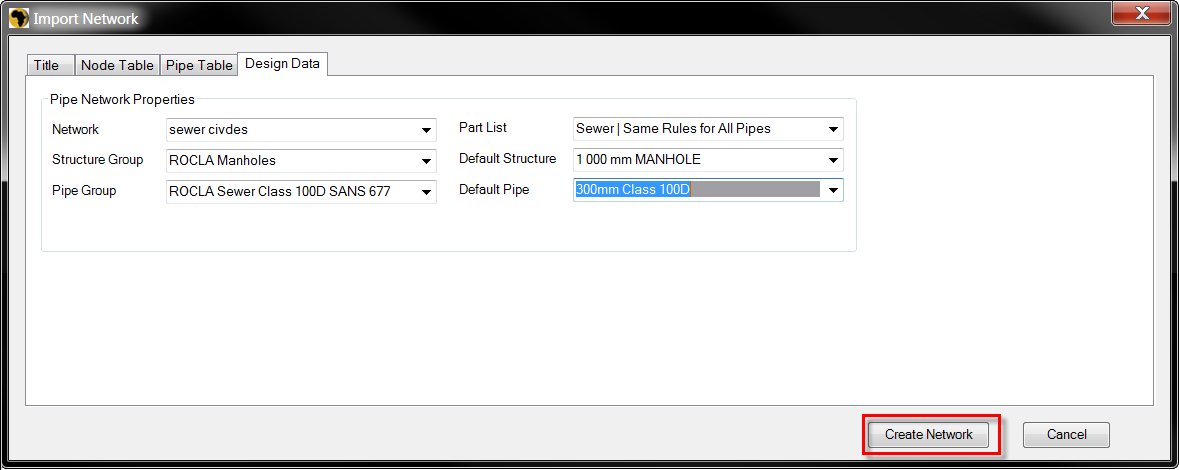
Specify the default structure and pipe styles and click on Create Network:
Created network:
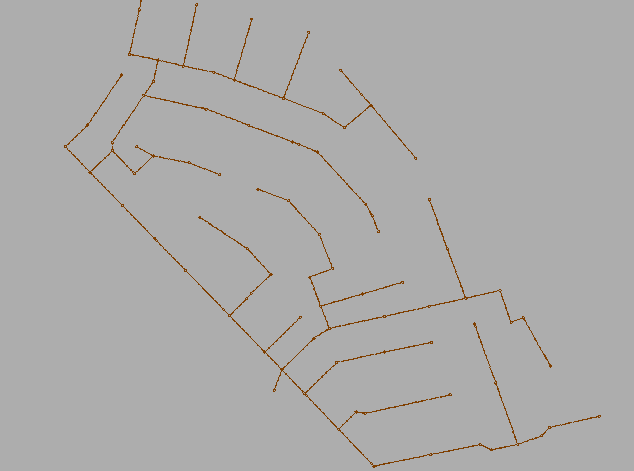
-