Network Parts CommandDifficultyintermediateAdded2027.0StatusdraftImport CSV NT (Network) Command
Description:
Creates a pipe network from multiple CSVs. Two different CSVs can be imported simultaneously (one for structures and one for pipes) to create a new network.
Location on Compact Ribbon:
Location on Extended Ribbon:
Instructions:
-
Run the command.
-
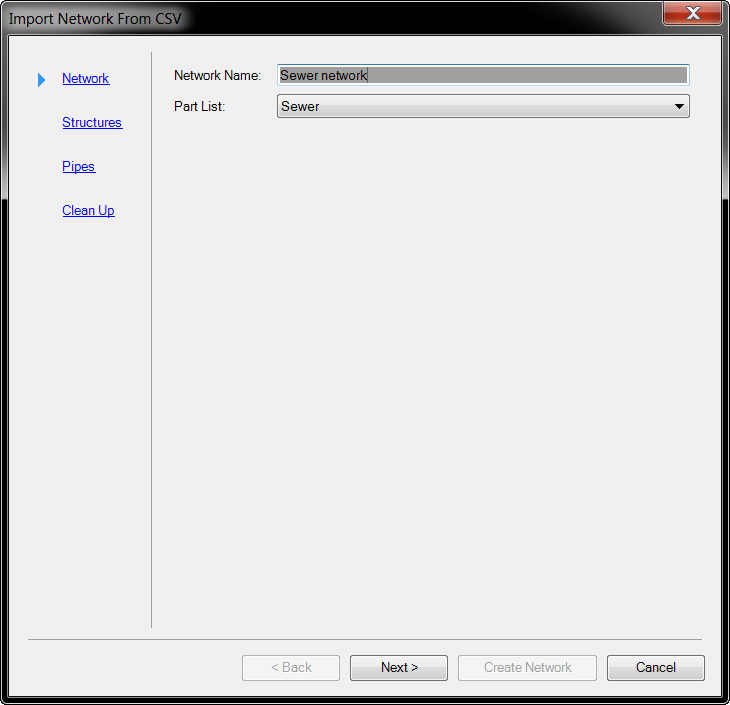
Specify the Network Name, Part List to use and click Next:
-
Browse for a .csv file to import, a preview of the file will be displayed in the top table. Right-click on the column headers to specify what property the column represents:
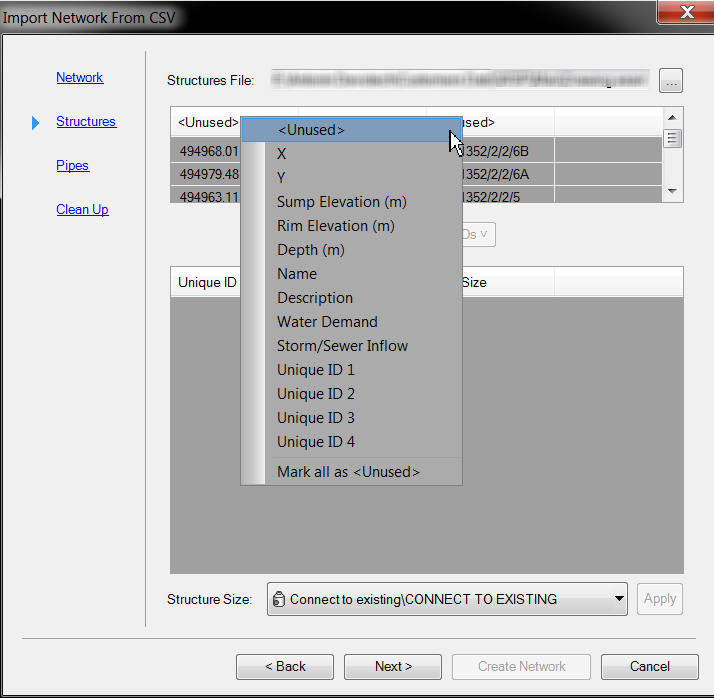
Each structure must have an X, Y and a Unique ID defined. The other properties are optional.
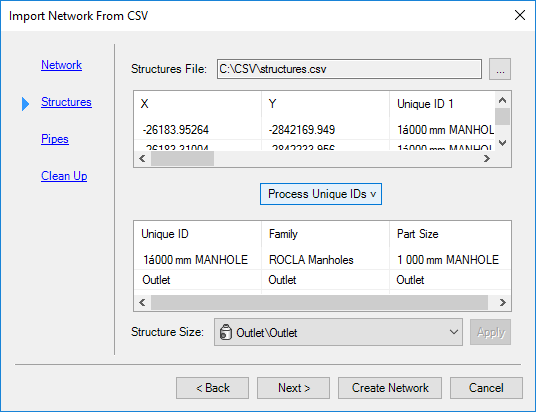
Once a Unique ID has been specified the Process Unique ID button will become active. Click the button and all the "unique" structures (based on a combination of the unique ID's) will be listed in the bottom table.
In the bottom table you can select a row and apply a structure type to that row by selecting a structure from the Structure Size drop-down and then clicking the Apply button.
-
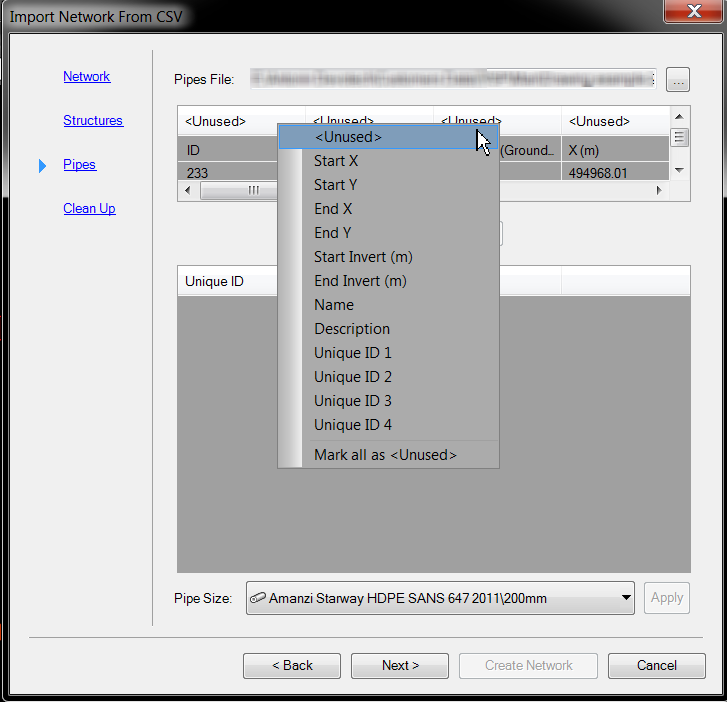
The Pipes section has the same options as the Structures section, except that you must specify the Start X, Start Y, End X, End Y and a Unique ID. The other properties are optional:
-
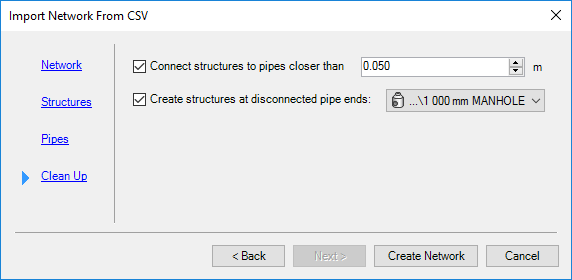
In the Clean Up section, you have the option to connect structures to pipes with a tolerance, you can also create additional structures at the end of pipes if there aren't any already: