Station Elevation CommandDifficultyintermediateAdded2027.0StatusdraftImport CSV CE (Station and Elevation) Command
Description:
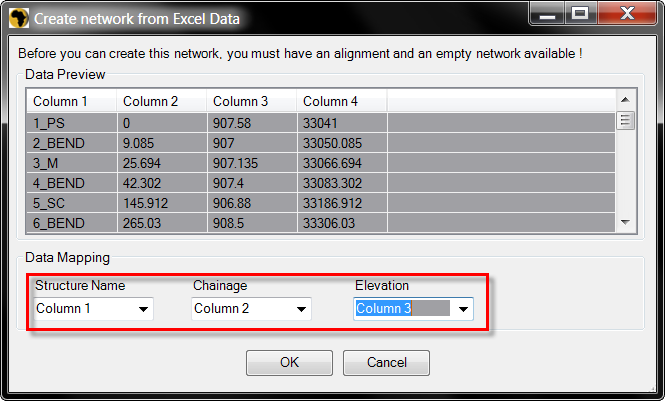
Creates a pipe network from a .csv file, which contains Chainage and invert Elevations (CE). Users can match specific columns from the file with the specific part properties.
Location on Compact Ribbon:
Location on Extended Ribbon:
Instructions:
Data must be comma delimited but do not need to be in a specific column order.
To perform this command the drawing must contain a horizontal alignment and an empty pipe network, follow the workflow below:
-
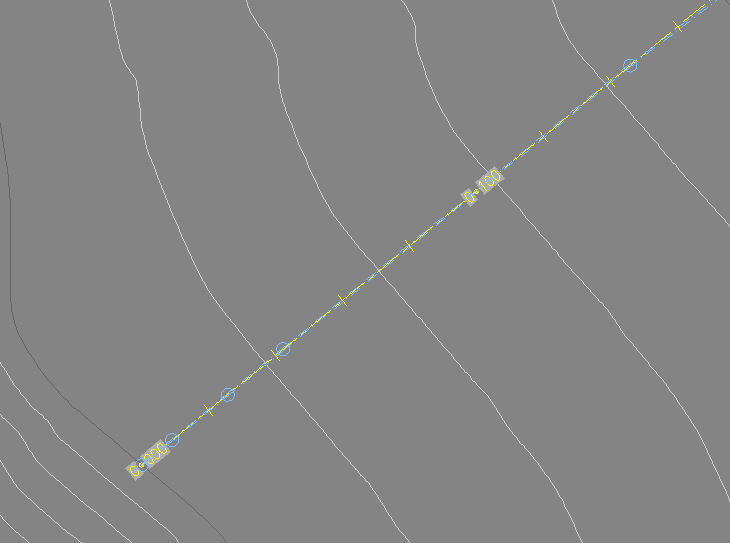
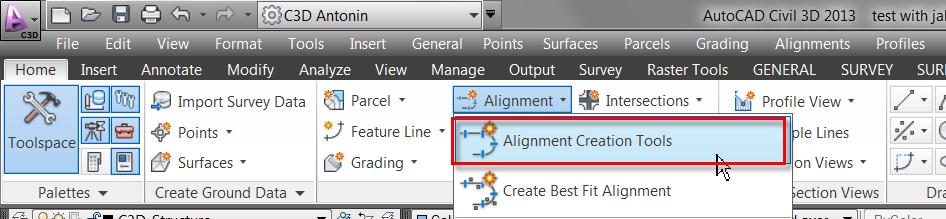
Create a horizontal alignment using the Home – Alignment − Alignment Creation Tools command which follows the pipeline path (other tools for alignment creation can be used as well):
-
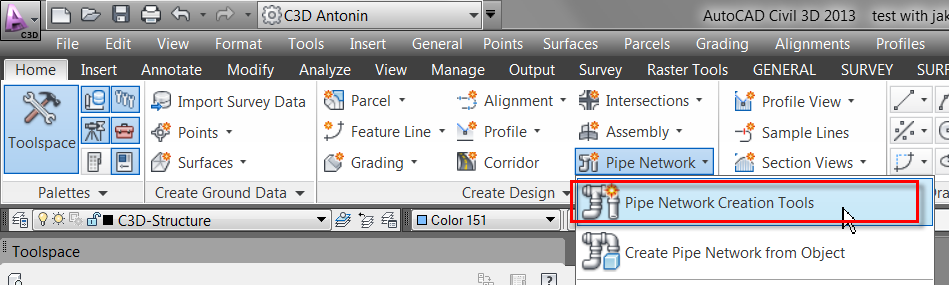
Create an empty pipe network by using the Home − Pipe Network – Pipe network Creation Tools command:
-
Run this command.
-
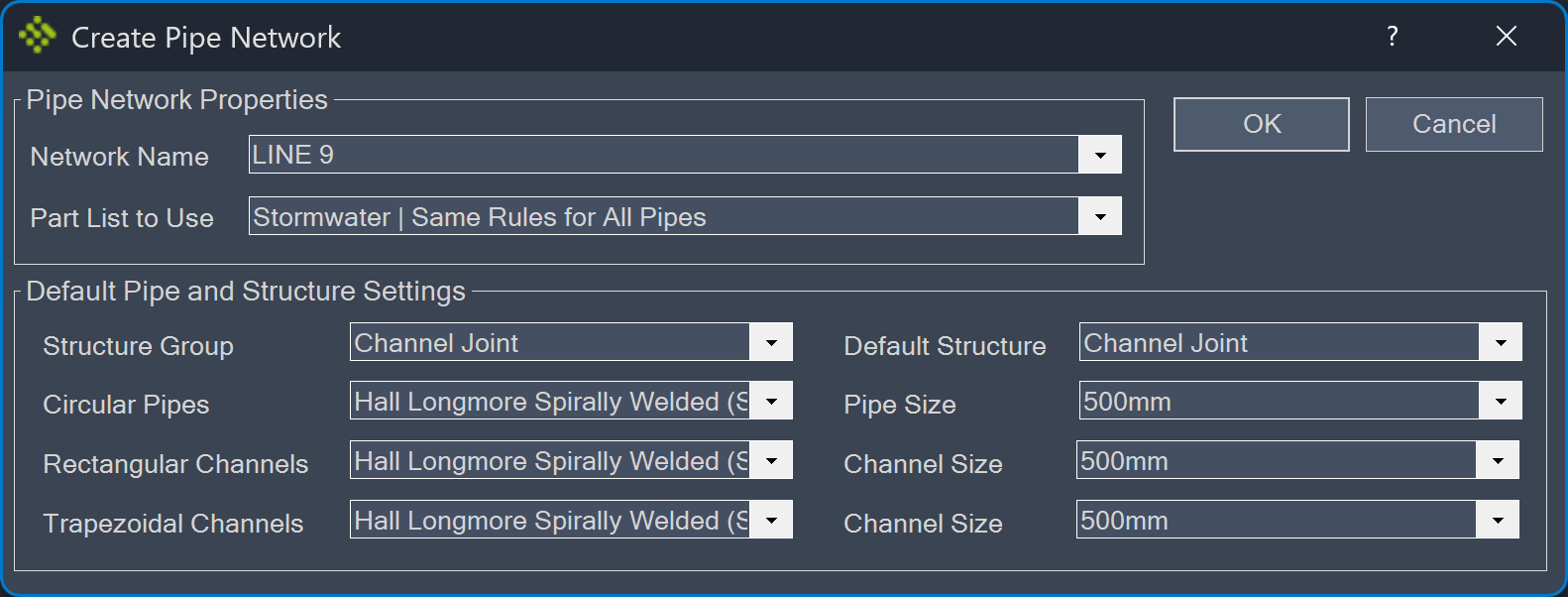
Specify the required fields and click OK:
-
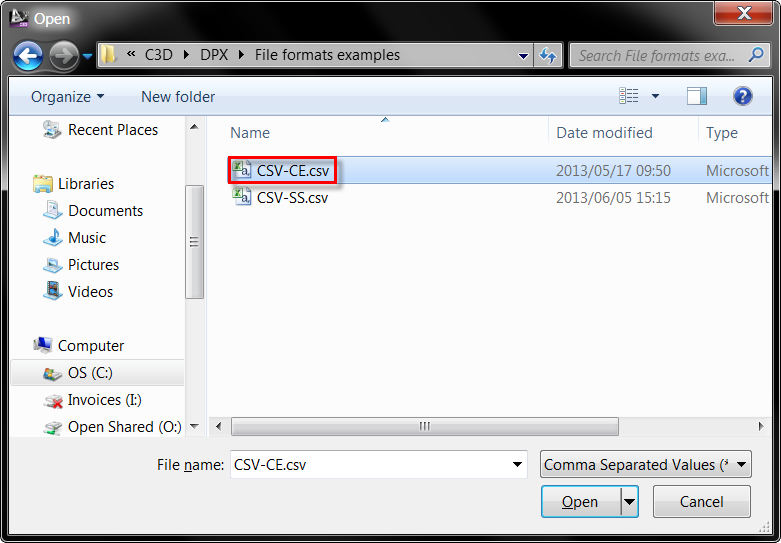
Browse to the file:
-
Specify the Data Mapping and select a horizontal alignment:
Created pipe network: