Roads
DifficultyintermediateAdded2027.0Statusdraft
Rebuild Auto Command
Description:
Sets the automatic rebuild option for all corridors, users don't need to do it one by one.
Location on Compact Ribbon:
Location on Extended Ribbon:
Instructions:
-
Run the command.
-
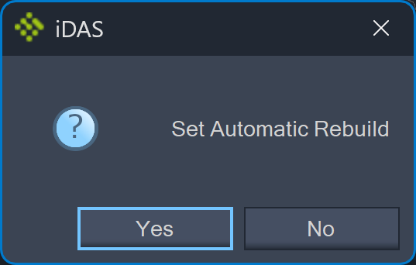
Confirm if you really want to turn on the rebuild automatic option for all corridors:
All the are corridors set to Rebuild – Automatic:
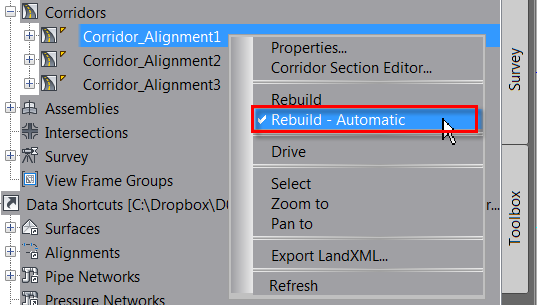
Note: This command does not rebuild corridors, it just sets them to rebuild automatically, some corridors might show an exclamation mark until some changes in the corridor definition are done and the corridor rebuilds automatically. Users can also rebuild corridors manually.