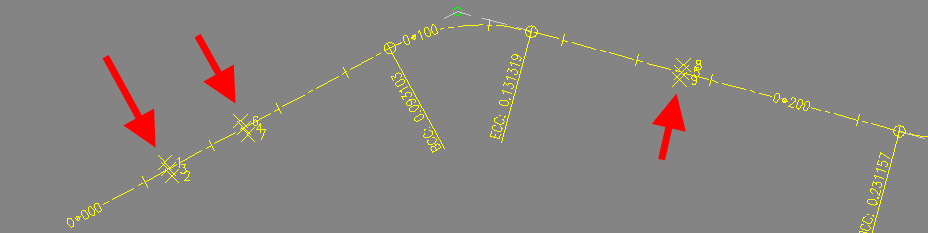
From Alignment Offset CommandDifficultyintermediateAdded2027.0StatusdraftOffset Points Command
Description:
Creates offset points from the points which are already on the alignment. This is very useful in cases where a line survey was done, and a surface is necessary for the design. If the survey points are on the line, then the triangulation cannot be done. The Offset Points command creates new points which can be used for triangulation, however, the bigger the offset the more inaccurate.
Location on Compact Ribbon:
Location on Extended Ribbon:
Instructions:
-
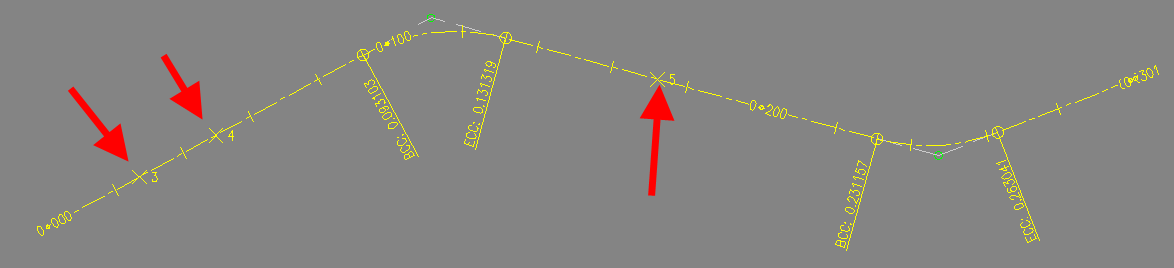
Create a horizontal alignment which goes through the COGO points. There are different ways to achieve this: a) Use the Devotech iDAS Alignments − Import Alignment command (use the modified text file which was used to create COGO points). b) Create a polyline from coordinates by using the copy, paste and convert polyline to an alignment commands. c) Create lines by point number range, convert the lines to polylines, join the polylines and convert polyline to an alignment. d) Manually.
-
Run the Offset Points command.
-
Select the alignment.
-
Select the COGO points to process.
-
Specify an offset:

The created offset points: