Surfaces
Command
Rename CommandDifficultyintermediateAdded2027.0StatusdraftRename Points Command
Description:
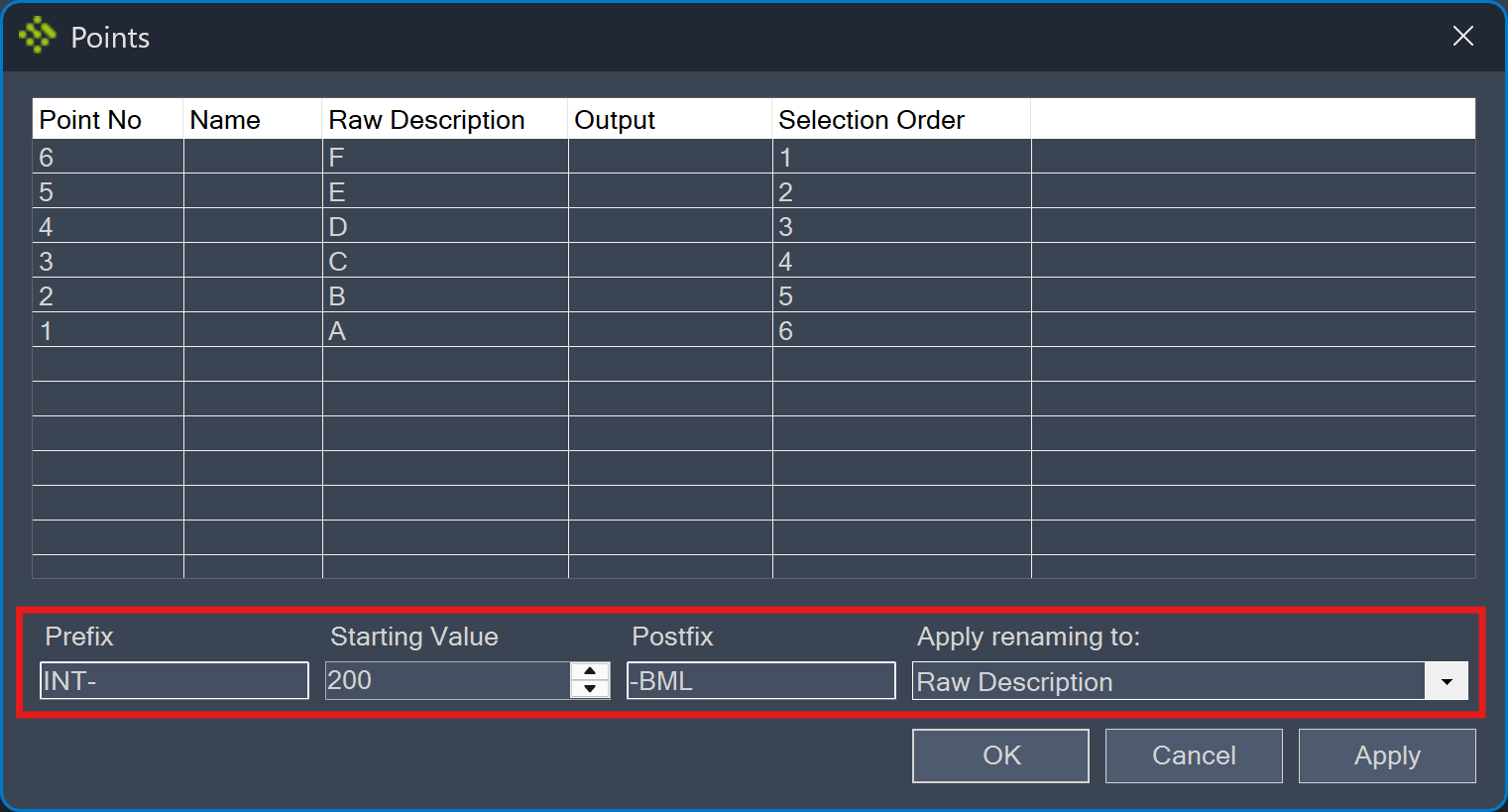
Renames points sequentially according to the defined settings. A new name can be applied to the point name or to the point description. Points are listed and renamed in the point number order. This tool is very useful for curb return setting out points.
Location on Compact Ribbon:
Location on Extended Ribbon:
Instructions:
-
Run the command.
-
Specify a Prefix, Starting Value and Postfix, and click on Apply to preview the Output. If you are satisfied with the result, specify if it should be applied to the point Name or to the Raw Description and click OK.