Roads
DifficultyintermediateAdded2027.0Statusdraft
Import Band Sets Command
Description:
This command imports a band set to multiple profile views at one time.
Location on Compact Ribbon:
Location on Extended Ribbon:
Instructions:
-
Click on the command in the ribbon.
-
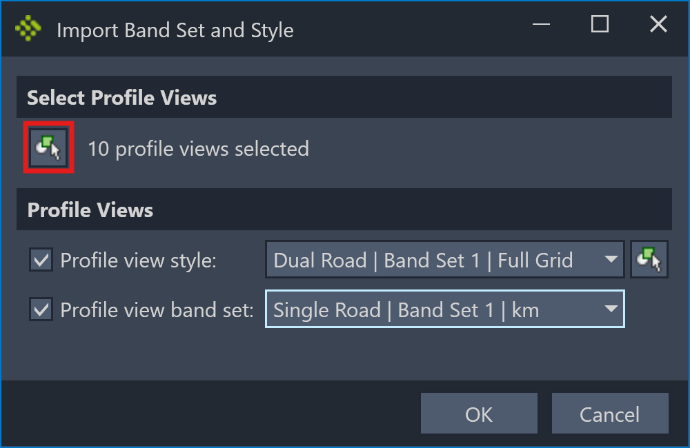
Click on the selection button to select profile views from model space:
-
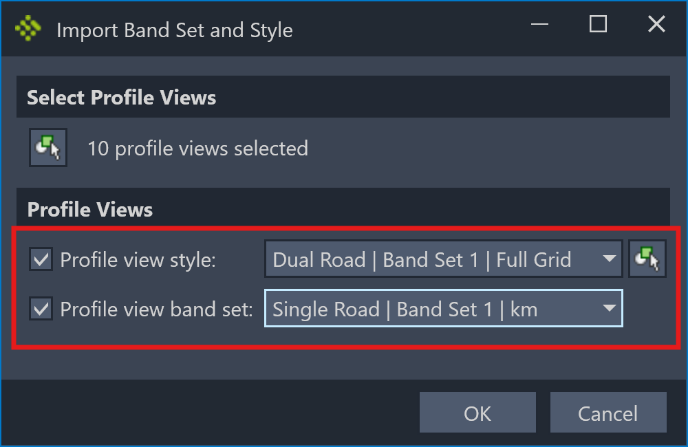
Choose a band set and/or profile view style to apply to all the selected profile views:
-
Click the OK button to close the dialog and finish applying the styles to the selected profile views.