Roads
Command
Set Lengths CommandDifficultyintermediateAdded2027.0StatusdraftSet Length Command
Description:
Changes the length of multiple profile views. It is practical for plan production drawings containing multiple profiles.
Location on Compact Ribbon:
Location on Extended Ribbon:
Instructions:
-
Run the command.
-
Select an alighment.
-
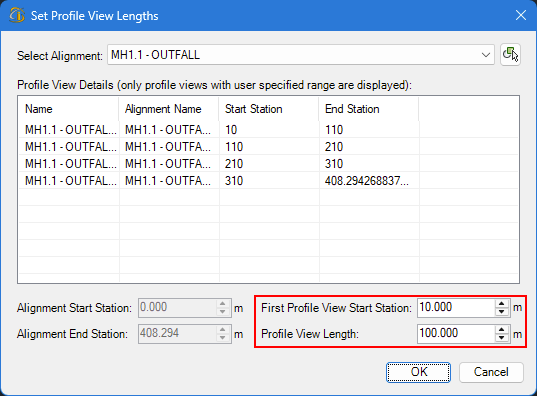
Specify the profile views' length and start station, and the tool will automatically specify the profile views' chainage values:
-
Once you click OK, the profile views' lengths are updated:
