From Alignments CommandDifficultyintermediateAdded2027.0StatusdraftProfile Views from Alignments Command
Description:
Creates multiple profile views from alignments at one time. The command can also project the pipe networks onto the profile views.
Location on Compact Ribbon:
Location on Extended Ribbon:
Instructions:
-
Click on the command in the ribbon.
-
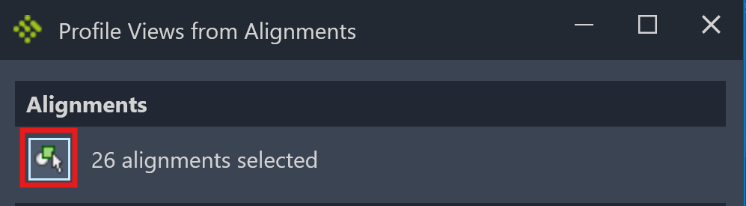
Click on the selection button and select alignments from model space:
-
Select a surface to create a surface profile from, as well as the style to apply to the surface profile. If a surface is not required then set the Surface to <None>

-
Select the profile view and band set styles:

-
Choose how the profile views must be spaced. Insertion will space the profile views equally from insertion point to insertion point. Gap will create an equal gap between profile views.

-
Choose the order in which the profile views must be created. Profile views are placed vertically from the specified point (once OK is clicked) down.

-
If a network must be added to the profile views, check the option Add networks to profile views.

-
Click OK and then indicate the position for the first profile view.

If the option to add networks was checked, then the new window is displayed.
The complete dialog with all options: