Surfaces
Command
Export ModelMaker TOT CommandDifficultyintermediateAdded2027.0StatusdraftExport TOT Command
Description:
Exports a surface to a Model Maker TOT file.
Location on Compact Ribbon:
Location on Extended Ribbon:
Instructions:
-
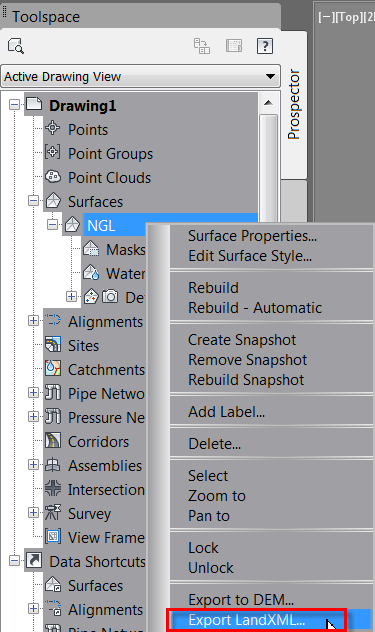
The surface must be exported to LandXML first. Go to the Prospector, expand Surfaces, right-click on the surface name and select Export LandXML:
-
Run the command.
-
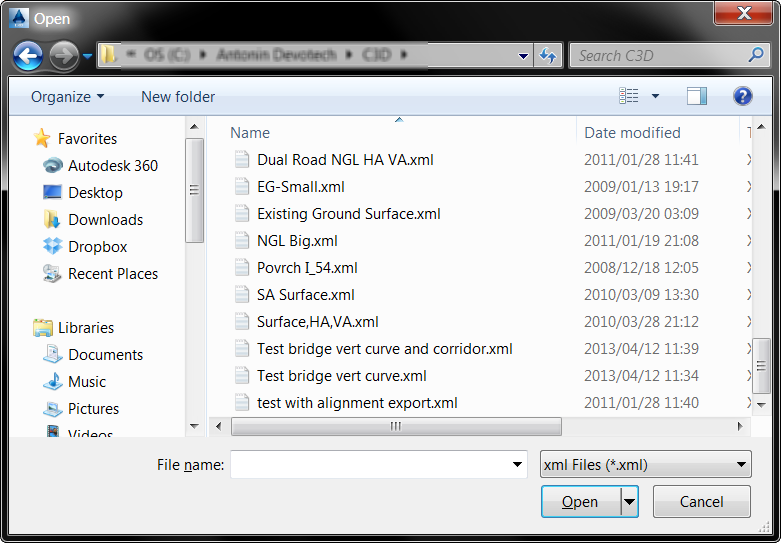
Browse for the Land XML file:
-
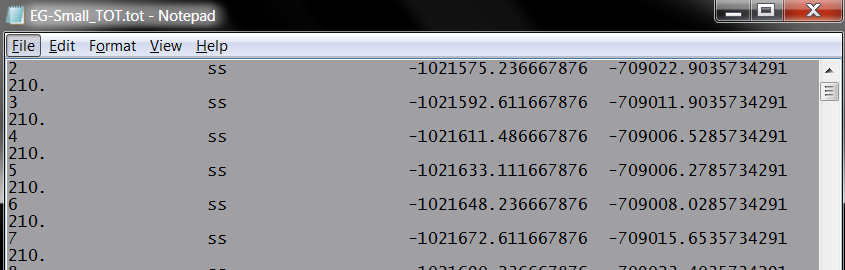
The TOT file opened in Notepad: