Water Drops Command
Description:
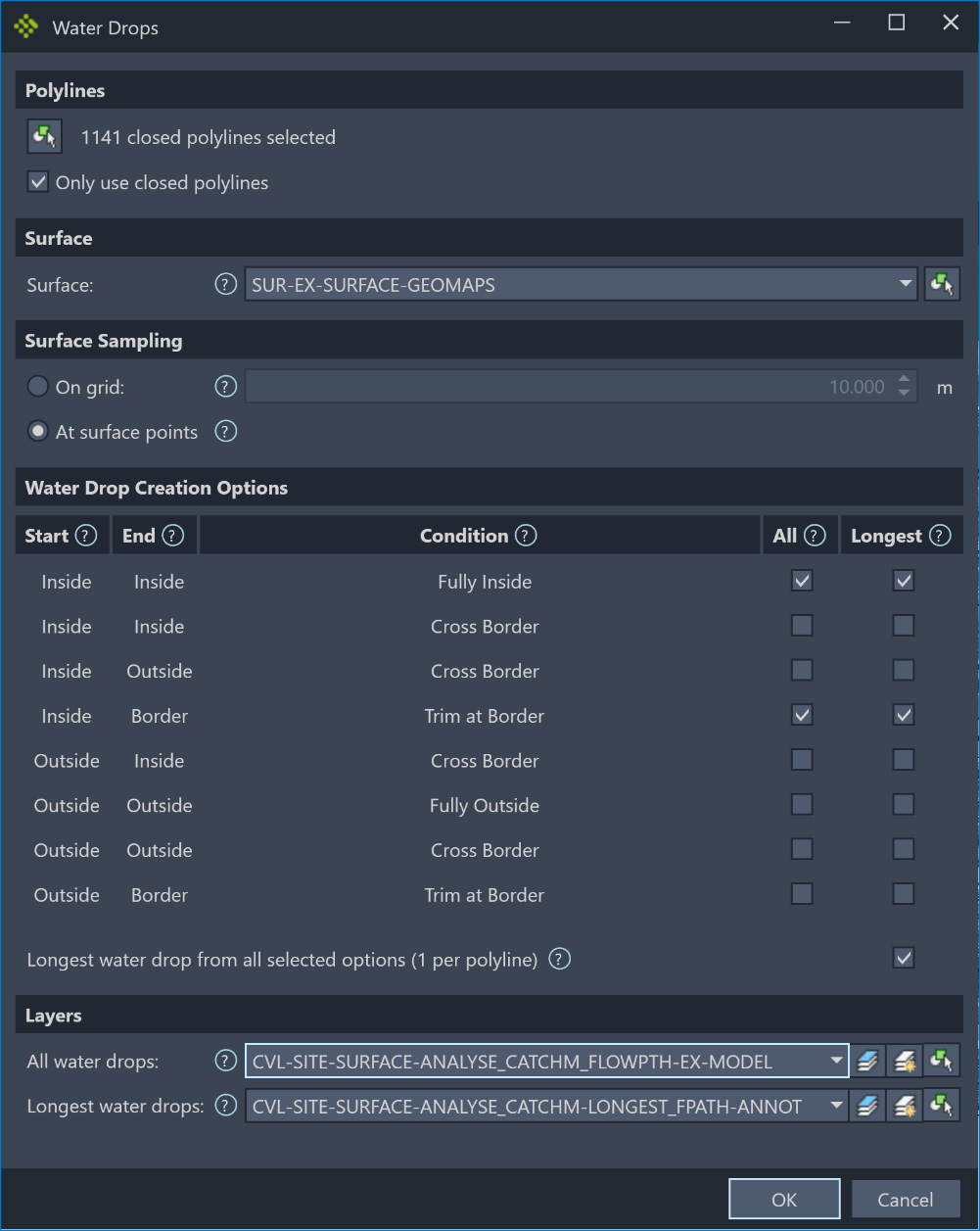
Creates multiple water drops from a surface within multiple polylines. Various types of water drops can be based on their relationship to a polyline (fully inside a polyline, crossing the polyline, etc.). The longest water drop of each type of water drop can also be determined and created.
Location on Compact Ribbon:
Location on Extended Ribbon:
Instructions:
-
Click on the command in the ribbon.
-
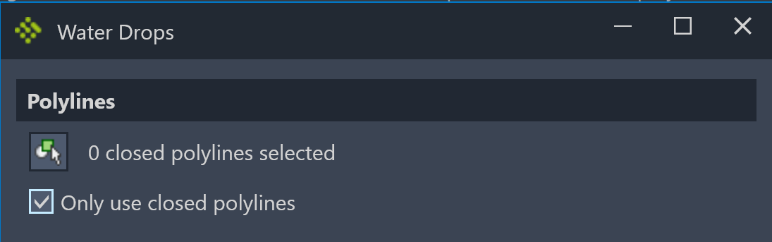
Click the selection button and select polylines from the model space. Polylines can be filtered to use only polylines that are closed.
-
Choose the surface to extract water drops from.

-
Choose where the start of the water drop originate from.
If the On grid option is chosen a grid of points will be overlaid on the surface and the water drops will be created from this grid. The grid spacing can be set. The larger the grid spacing the faster the water drops will be created but the less accurate the result will be. If the surface is large and contains millions of triangles the grid option can reduce calculation time significantly.
If the At surface points option is chosen a water drop will be created for every relevant point (vertex) in the surface. If the surface contains millions of points this operation can be very time consuming and the On grid option should be considered.

-
Choose what type of water drops to create, as well as which types of longest water drops to create. The columns describe the conditions for the type of water drop that will be created. If only the longest water drop out of all the longest water drops should be created the option at the bottom of the grid can be checked. This will create only one longest water drop per polyline.
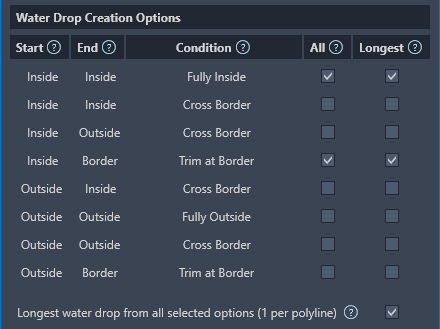
Below is the result based on the above options the following water
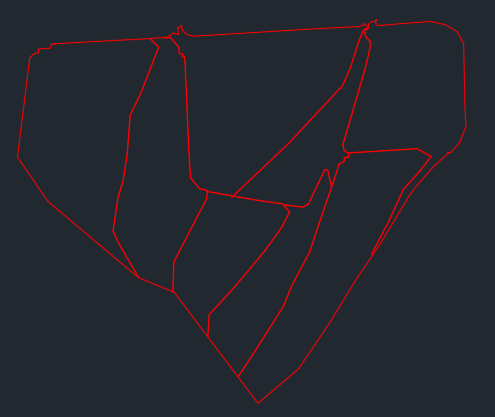
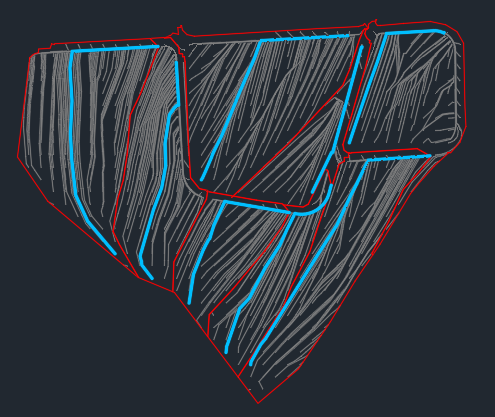 Before After
 -
Select the layers to place the water drops and longest water drops on. The buttons to the right allow the selection of the current layer or selections of the layer from an object in model space.

Below is the complete dialog: