Surfaces
Command
Platform Layerworks CommandDifficultyintermediateAdded2027.0StatusdraftLayerworks Command
Description:
Calculates the layerwork quantities for a surface. The surface area is multiplied by the layerwork depth for the volume calculation. This is useful for platforms and other similar objects.
Location on Compact Ribbon:
Location on Extended Ribbon:
Instructions:
-
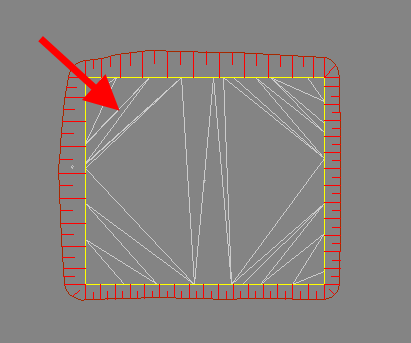
Create a surface you want to calculate the layerwork quantities for (the image below shows a simple platform with the surface for a parking area):
-
Run the command.
-
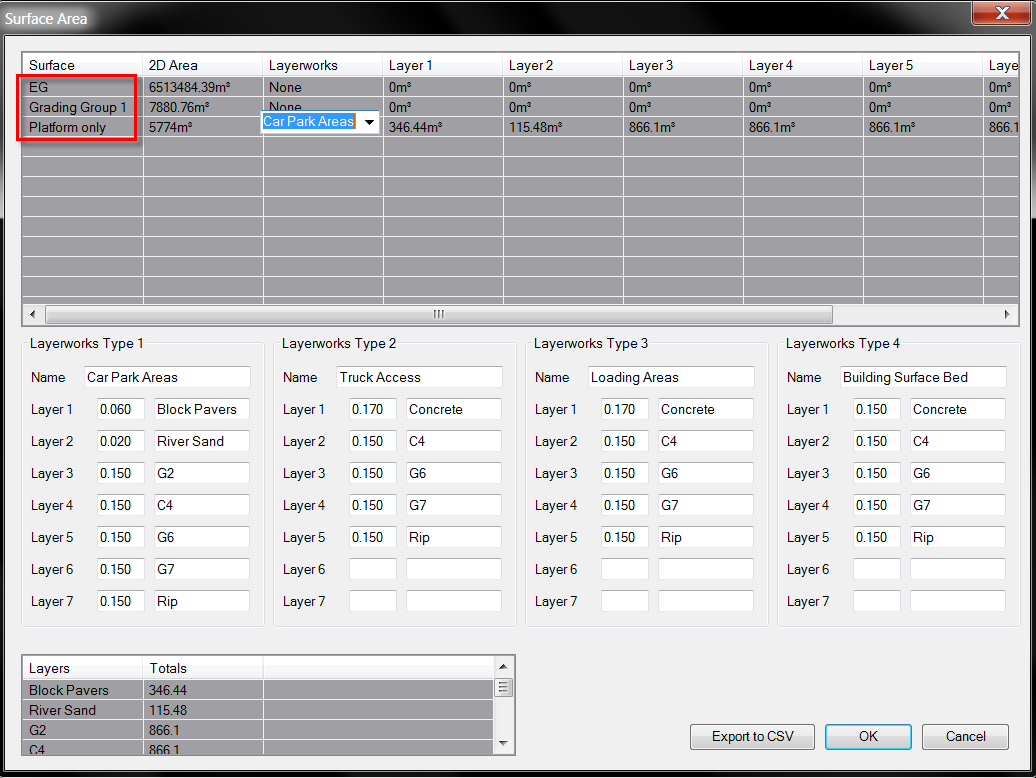
Specify the layerworks name, layers, thickness and define which layerworks you want to use for a specific surface. You must click on the surface name to specify the layerworks:
-
The results can be exported to a csv file by clicking on the Export to CSV button**:
**
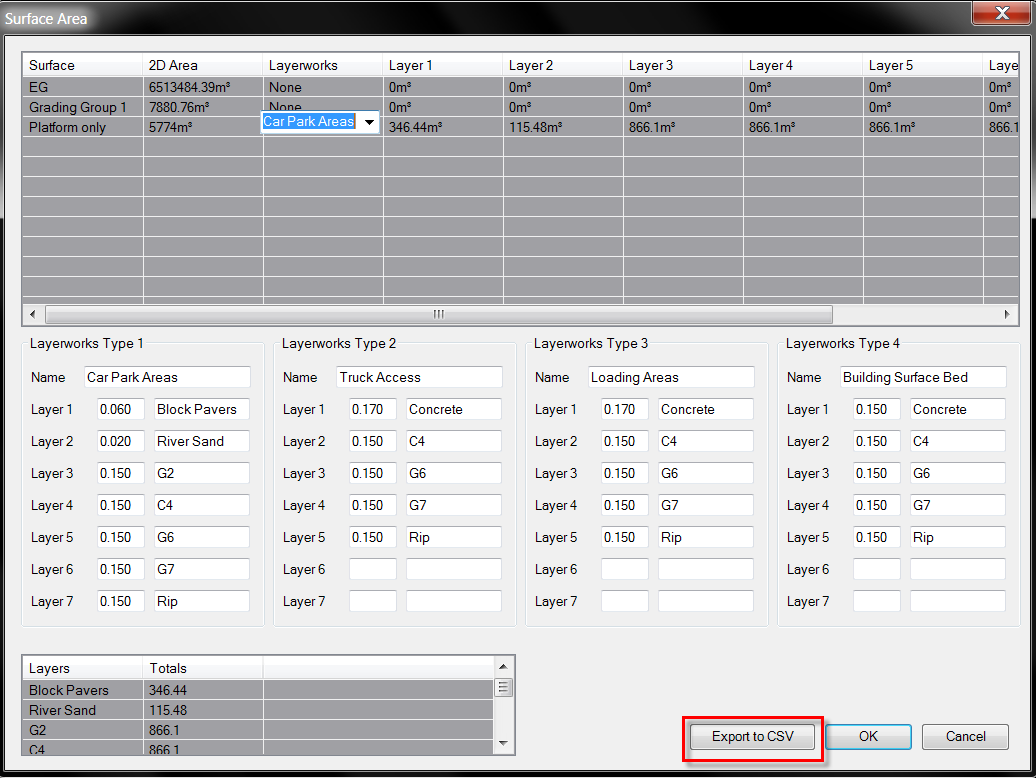
Exported table in csv:
